Content Library & scopes
All reusable content - Windows images, driver packs, applications, and scripts - lives in the Content Library. Every item has a scope that controls who can use it.
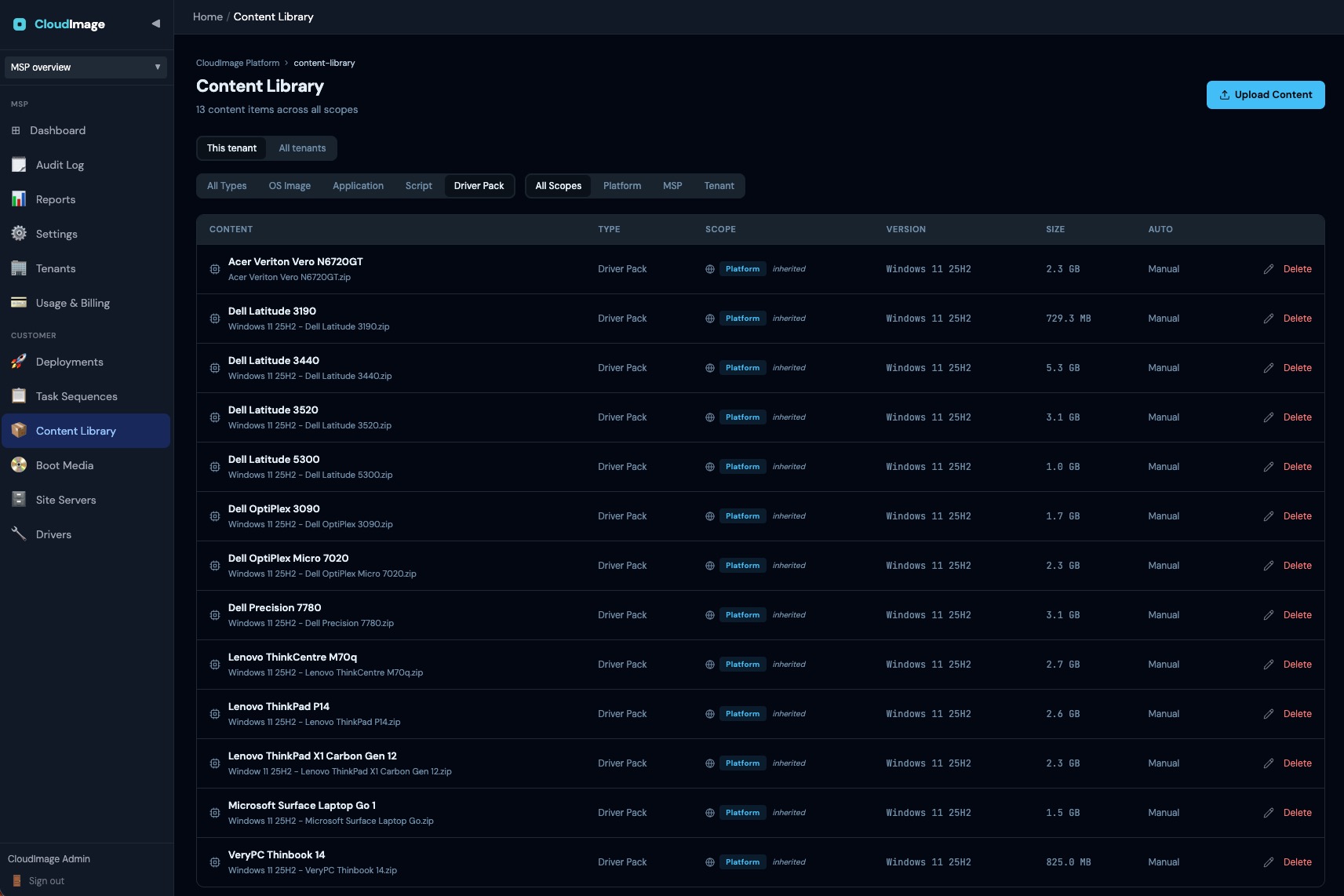
The Content Library
Open it from the left navigation: Content Library. From here you upload, version, and manage every piece of content a deployment can use. Filter by Type (OS Image, Driver Pack, Application, Script) and by Scope (Platform, MSP, Tenant). Storage is deduplicated - the same file uploaded twice is stored once.
The three scopes
| Scope | Visible to | Use for |
|---|---|---|
| Platform | Every tenant | Shared, standard content (e.g. a base Windows image) |
| MSP | All the customers of one MSP | Content an MSP reuses across every customer it manages |
| Tenant | One customer only | Content private to a single customer |
Platform and MSP items are shared down to customers automatically. Content, credentials, audit logs, and API tokens are scoped at the tenant boundary. Peer caching stays inside a single tenant network - an image cannot leak from one client's LAN to another.
Who can publish where
Only MSP or Platform administrators can publish content at the Platform or MSP scope. Customer admins and operators publish at their own tenant scope. See Roles & permissions.
Content types
Each item has a type: OS Image, Driver Pack, Application, or Script. The type determines how a Task Sequence uses it.